Organize resources with Custom Categories
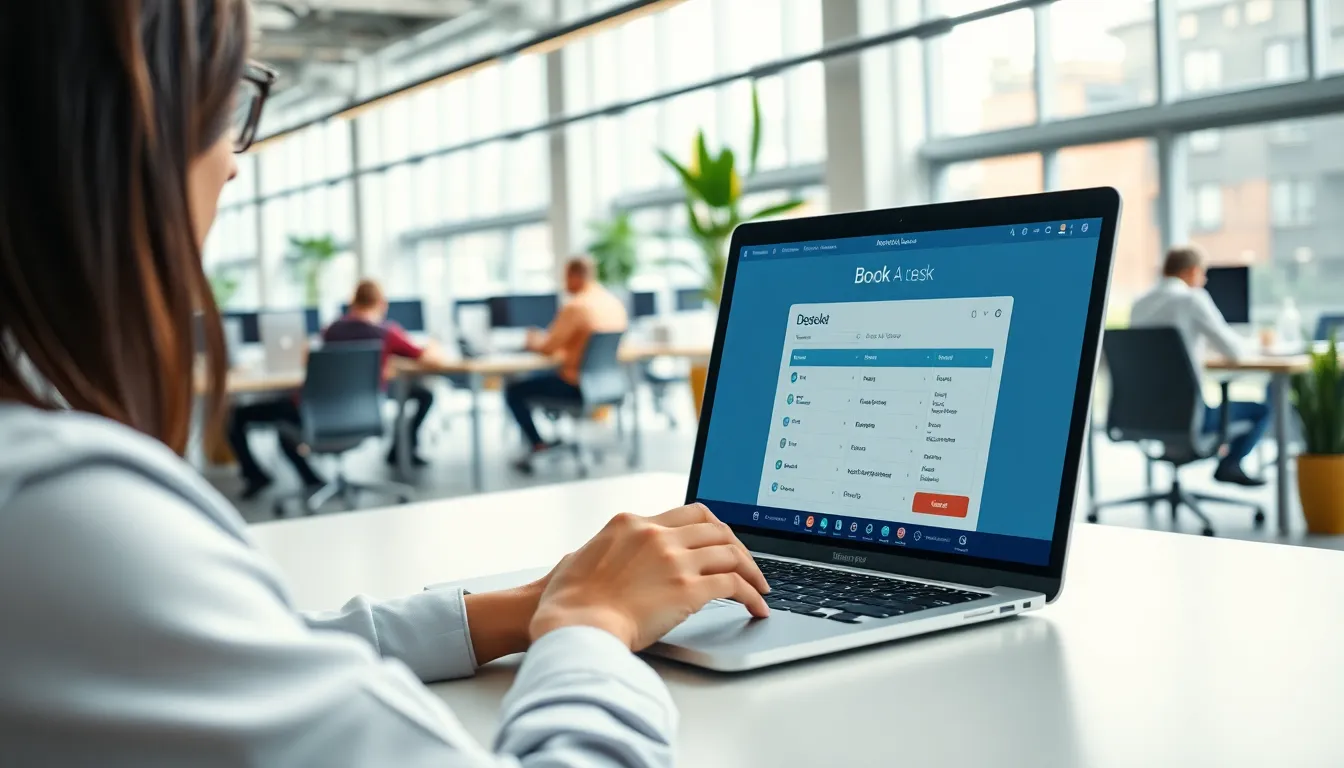
Every organization is different. SpotBooker lets you create custom categories that match your specific resource structure — whether you're managing meeting rooms, parking spots, vehicles, desks, or equipment. Assign icons, colors, and custom fields to each category for intuitive navigation.
Start free trial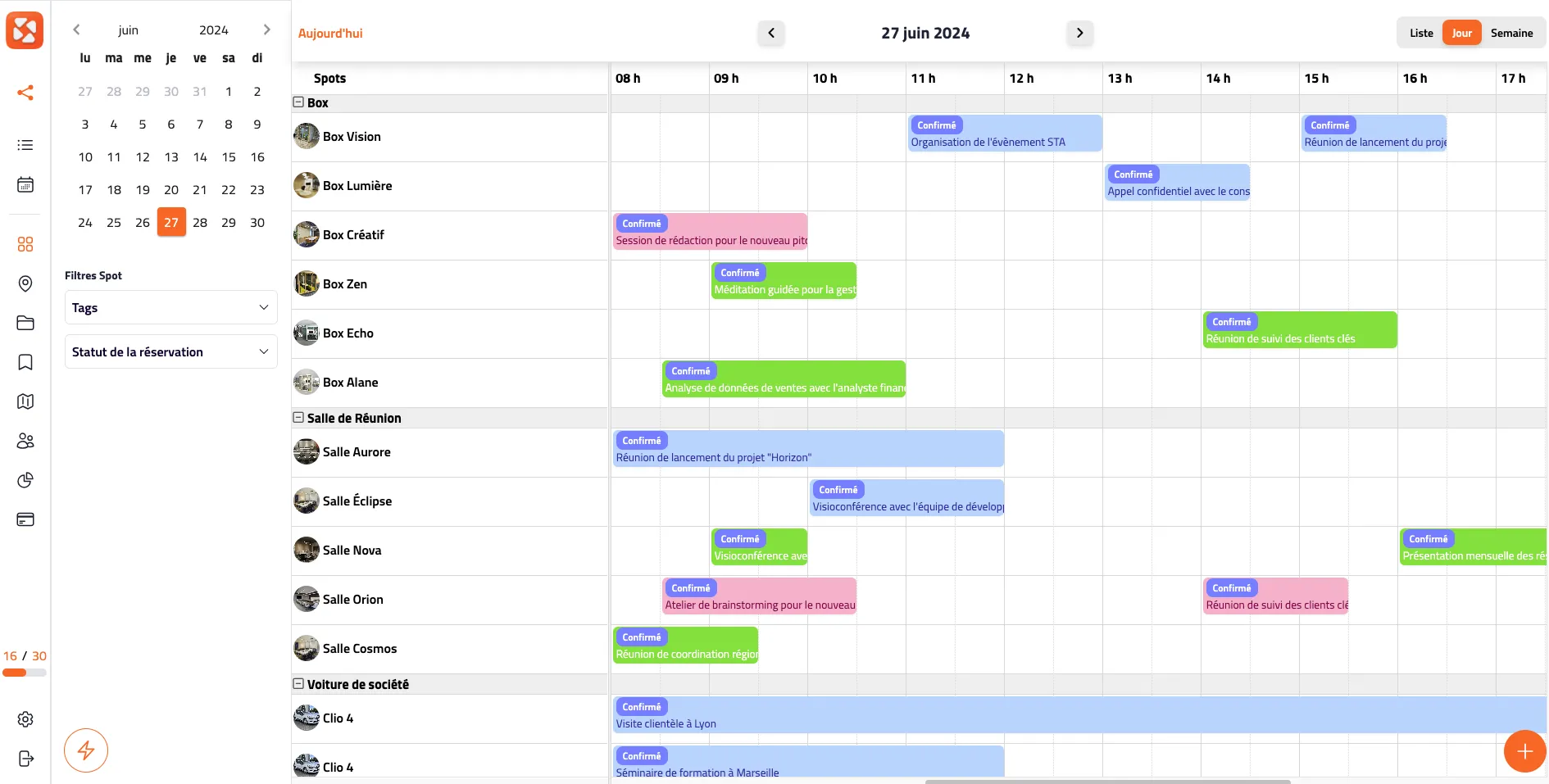
500+
Organizations
50K+
Daily bookings
98%
Satisfaction rate
Trusted by leading organizations







What changes with Custom Categories?
See how tailored categories make resource discovery instant and intuitive.
- Resources are listed in a flat, confusing list with no structure
- Users struggle to find the right resource among dozens of options
- No metadata like capacity or equipment to guide booking decisions
- Resources organized in categories and subcategories matching your structure
- Custom icons, colors, and images for instant visual recognition
- Metadata fields like capacity and equipment for smart filtering
How it works
Organize resources into categories that perfectly match your structure.
Create unlimited categories and subcategories: meeting rooms, parking spots, vehicles, equipment — anything your organization needs to manage.
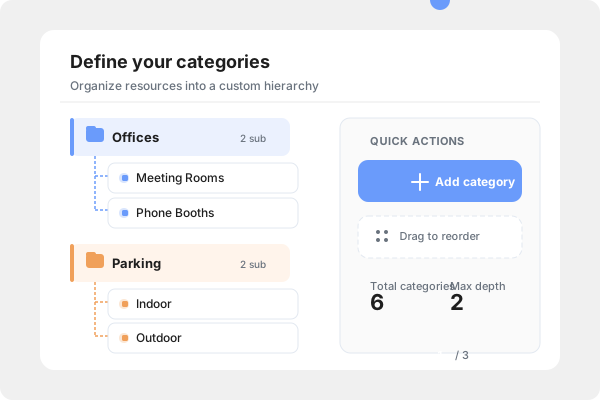
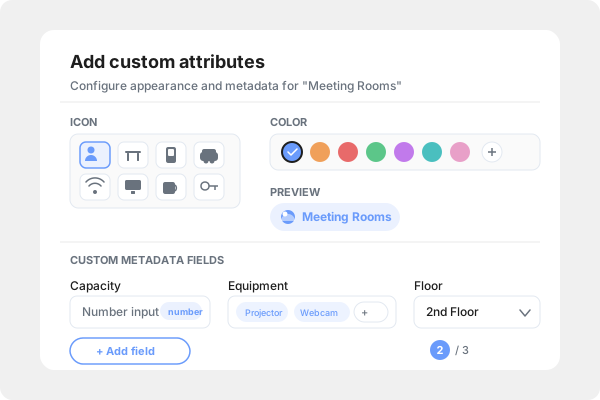
Enrich each category with custom fields: capacity, floor, equipment list, location, photos, or any attribute that helps users find the right resource.
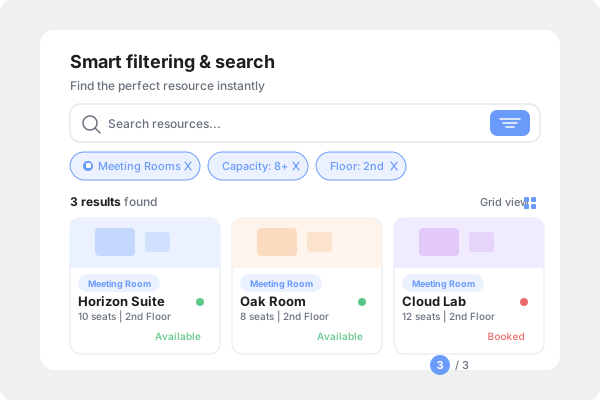
Users filter resources by category and attributes to find exactly what they need. Custom categories power SpotFinder's intelligent search capabilities.
Key Capabilities
Flexible Structure
Create categories and subcategories that mirror your organization's actual resource hierarchy.
Visual Identity
Assign distinct icons, colors, and images to each category for instant visual recognition.
Custom Fields
Add metadata fields like capacity, equipment, or location to help users find exactly what they need.
Ready to get started?
Try SpotBooker for free and see how this feature can transform your resource management.
Try it for free