
Walk into most modern offices and you’ll notice something different: no name plates on desks. No family photos permanently stationed next to monitors. No “this is my spot” energy.
That’s hot desking in action.
Hot desking is a workspace arrangement where employees don’t have assigned desks. Instead, they choose from available workstations each day—or each time they come to the office. First come, first served. Or increasingly, first to book, first served.
The concept isn’t new (it originated in the 1990s from “hot racking” on naval ships where sailors shared bunks in shifts), but it’s exploded since hybrid work became the norm. When only 40-60% of employees are in the office on any given day, dedicating permanent desks to everyone stopped making sense.
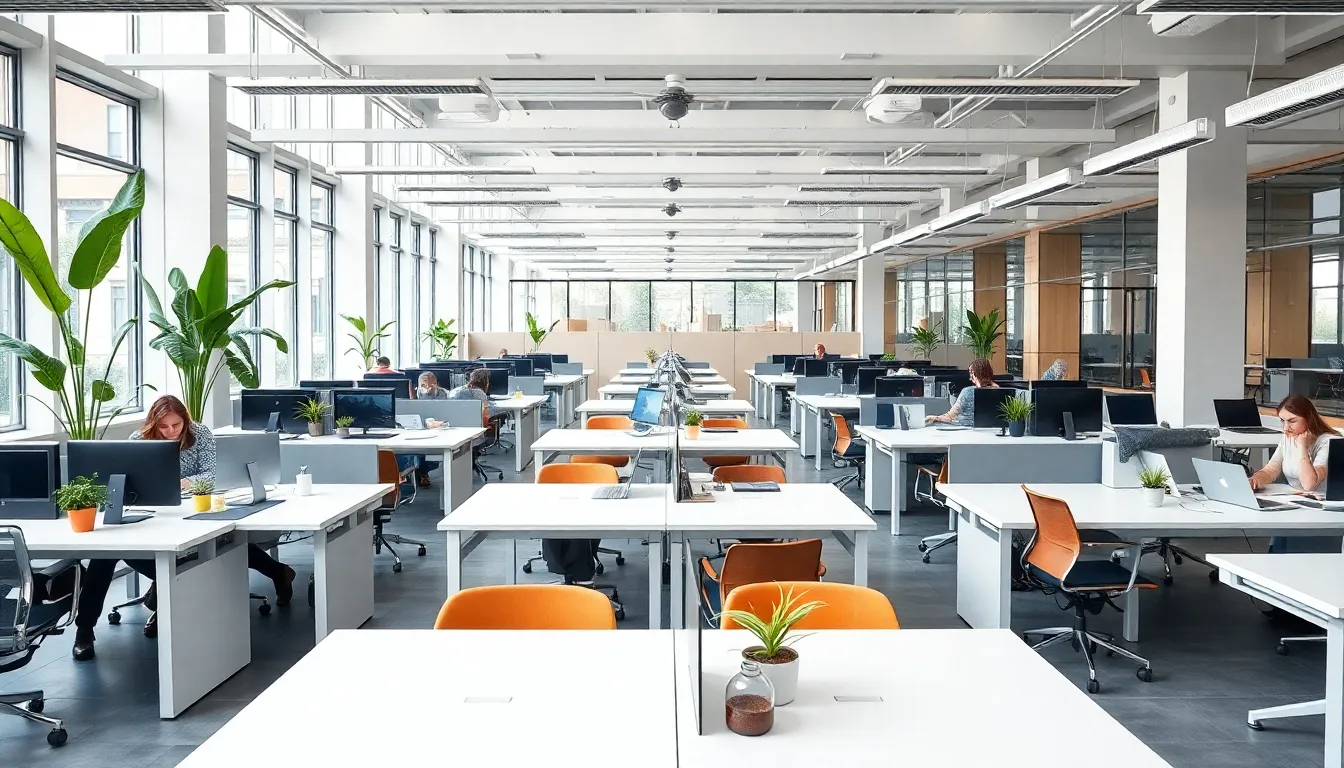
How Hot Desking Actually Works
The basic mechanics are straightforward:
No permanent assignments. Desks belong to the company, not individuals. When you leave for the day, you take your things with you.
Daily selection. Employees pick a workspace when they arrive—or reserve one in advance through a booking system.
Clean desk policy. At the end of each day (or session), desks are cleared. No permanent personal items left behind.
Shared resources. Monitors, keyboards, and other equipment stay at workstations. Employees bring laptops and personal items.
In practice, this looks like arriving at the office, checking which desks are free (via an app, a display, or just looking around), settling into a spot, and packing up when you’re done.
Why Companies Adopt Hot Desking
The shift to hot desking isn’t random. It’s driven by concrete business pressures.
Real Estate Cost Reduction
This is the big one. Office space in major cities runs $50-100+ per square foot annually. If you have 100 employees but only 60 come in daily, you’re paying for 40 empty desks. Hot desking lets you right-size your space to actual usage.
Companies typically reduce their real estate footprint by 20-40% after implementing hot desking. That’s not a rounding error—it’s potentially millions in annual savings.
Hybrid Work Compatibility
Fixed desks made sense when everyone came in five days a week. Now? Most knowledge workers split time between office and remote. Assigned seating means empty desks Monday through Friday for whoever’s working from home that day.
Hot desking aligns physical space with actual presence. The office flexes to match who’s actually there.
Collaboration and Cross-Pollination
When people sit in the same spot every day, they interact with the same neighbors. Hot desking disrupts this pattern—sometimes uncomfortably, but often productively.
Sitting next to someone from a different team for a day can spark conversations that never would have happened otherwise. It’s forced serendipity.
Cleaner, More Maintained Spaces
No permanent desks means no desk clutter accumulating over months. No mysterious sticky notes from 2019. No gradually degrading ergonomic setups that nobody maintains.
Hot desking environments tend to stay cleaner because nobody “owns” the mess.
For a deeper look at these tradeoffs, see our guide on reduce meeting room no-shows.
The Real Challenges (And How to Handle Them)
Hot desking isn’t all upside. Here’s what actually goes wrong—and how to prevent it.
The “Musical Chairs” Problem
Without a booking system, hot desking becomes a daily race. Employees arrive early just to secure a good spot. Anxiety builds. Resentment follows.
The fix: Implement desk booking software. Let people reserve spots in advance—even just 24 hours ahead. This removes the scramble without losing flexibility. Good reduce meeting room no-shows makes this seamless.
Loss of Personal Space
Humans are territorial. Having “your” desk with your plant and your photos creates psychological comfort. Hot desking removes this.
The fix: Provide personal lockers for belongings. Create “neighborhoods” where teams tend to cluster (without rigid assignment). Allow some personalization of locker spaces.
Hygiene Concerns
Sharing desks means sharing germs. Post-pandemic, this concern isn’t going away.
The fix: Stock cleaning supplies at every workstation. Implement clear “clean before you leave” protocols. Consider antimicrobial surfaces for high-touch areas.
Technology Friction
Different monitors. Different keyboard layouts. Docking stations that don’t work with your laptop. Death by a thousand small frustrations.
The fix: Standardize equipment across workstations. Ensure every desk has the same setup. Test thoroughly before rollout.
Noise and Distraction
Open offices are already noisy. Add the uncertainty of who’s sitting next to you, and focus work becomes harder.
The fix: Create variety. Quiet zones for deep work. Collaborative areas for team activities. Phone booths for calls. Hot desking works best when it’s not just “one big room.”
The same principles that help reduce meeting room no-shows apply here—systems beat willpower.
Hot Desking vs. Related Concepts
Terminology in this space gets confusing. Here’s how hot desking relates to similar arrangements:
| Concept | What It Means | Key Difference from Hot Desking |
|---|---|---|
| Hot Desking | No assigned desks; choose daily | The baseline concept |
| Hoteling | Reserve specific desks in advance | More structured; booking required |
| Activity-Based Working | Choose workspace based on task type | Focus on task, not just availability |
| Desk Sharing | Multiple people share one desk (different shifts) | Same desk, different times |
| Flex Office | Umbrella term for flexible workspace arrangements | Hot desking is one type of flex office |
Most modern implementations blend these. You might have hot desking as the default, with hoteling for people who need specific setups, and activity-based zones throughout the office.
Is Hot Desking Right for Your Company?
Hot desking works well when:
- Hybrid work is established. If 40%+ of employees work remotely on any given day, hot desking captures real savings.
- Roles don’t require specialized equipment. Knowledge workers with laptops adapt easily. Lab technicians with custom setups? Less so.
- Company culture supports change. Hot desking requires behavioral shifts. Organizations resistant to change will struggle.
- Space is expensive. The ROI is strongest in high-cost real estate markets.
Hot desking struggles when:
- Teams need constant collaboration. Some teams genuinely benefit from sitting together permanently.
- Privacy is critical. Open hot desking environments don’t suit work requiring confidentiality.
- Employee resistance is strong. Forcing hot desking on a hostile workforce creates more problems than it solves.
- Implementation is half-hearted. Desk booking without the supporting infrastructure just creates new frustrations.
How to Implement Hot Desking Successfully
If you decide to move forward, here’s the sequence that works:
Phase 1: Assess and Plan (2-4 weeks)
- Analyze current desk utilization (you’ll likely find 30-50% are empty daily)
- Survey employees about work patterns and preferences
- Identify roles that need dedicated space vs. those suited for hot desking
- Calculate potential space reduction and savings
Phase 2: Design the Space (4-8 weeks)
- Create zones: quiet focus areas, collaborative spaces, social zones
- Standardize workstation equipment
- Install lockers for personal storage
- Set up booking displays or wayfinding
Phase 3: Deploy Technology (2-4 weeks)
- Implement desk booking system
- Train employees on booking process
- Set up usage tracking for optimization
Phase 4: Pilot and Adjust (4-8 weeks)
- Start with one floor or department
- Gather feedback actively
- Adjust ratios, zones, and policies based on real usage
- Address issues before full rollout
Phase 5: Full Rollout
- Communicate changes clearly
- Provide ongoing support
- Continue monitoring and optimizing
FAQ
How many desks do I need for hot desking?
Start with a 70-80% ratio (desks to employees). Monitor actual usage and adjust. Most companies land between 60-80% depending on hybrid patterns.
Can managers have assigned desks in a hot desking environment?
Yes, many companies create exceptions for senior leaders or roles requiring specific setups. Just be transparent about the rationale.
What about employees who come in every day?
Even daily attendees can hot desk successfully. Some companies offer “anchor desks” for frequent in-office workers who prefer consistency.
How do teams stay together?
Create team neighborhoods—areas where a team’s desks are clustered, even if not individually assigned. Teams can coordinate to sit together when needed.
The Bottom Line
Hot desking isn’t about taking something away from employees. Done right, it’s about matching workspace to actual work patterns—giving people choice while optimizing expensive real estate.
The companies that succeed with hot desking treat it as a system design problem, not just a space reduction exercise. They invest in booking technology, create variety in workspace types, and continuously adjust based on how people actually work.
The ones that fail? They just remove desk assignments and hope for the best.
Considering hot desking for your office?
SpotBooker makes desk booking simple—employees reserve spots in seconds, and you get real data on how your space is actually used. Try it free.