Introduction
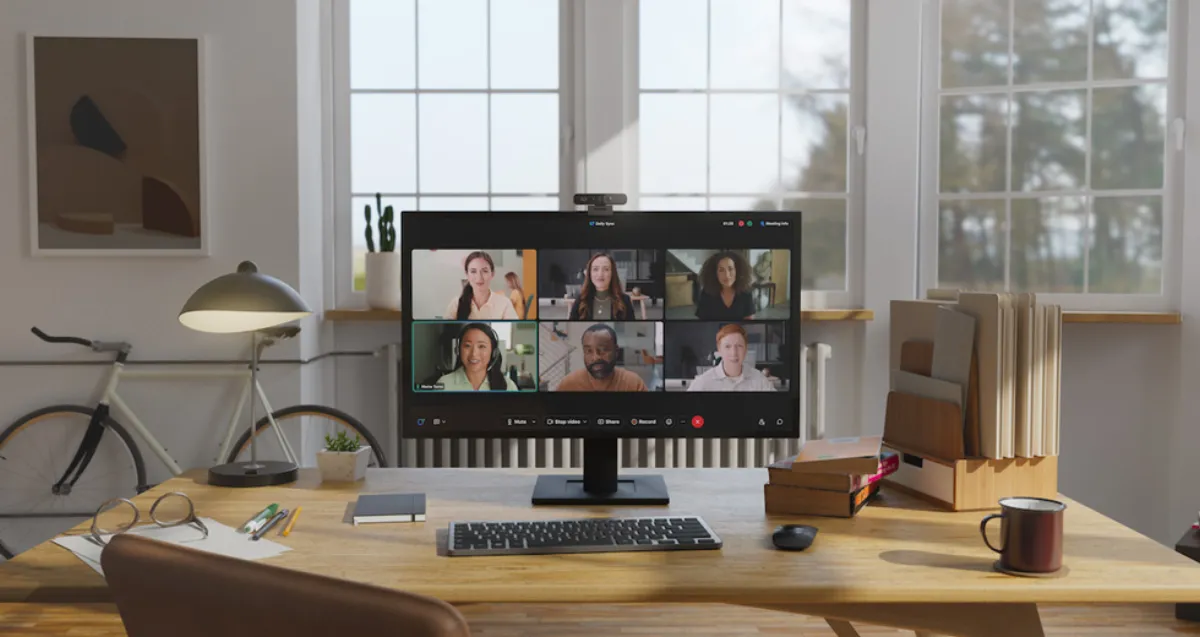
Video conferencing equipment for home has become essential for professionals working remotely in 2024. From enhancing your virtual meeting presence to ensuring clear communication, selecting the right tools can transform your home office into a dynamic workspace. This guide explores the best video conferencing equipment available this year, helping you choose devices that fit your specific needs for quality, ease of use, and seamless software integration.
In the ever-evolving world of remote work, the importance of a robust home video conferencing setup cannot be overstated. Whether you’re dialing in for a high-stakes business meeting, engaging in weekly team check-ins, or connecting with clients across the globe, having the right tools in place can significantly enhance your experience and effectiveness.
Essential Video Conferencing Equipment
Webcams
The webcam is the centerpiece of your video conferencing setup. Look for:
- 4K Resolution: Ultra-clear image quality for professional presentations
- Auto-Focus and Light Correction: Adapts to varying lighting conditions
- Wide-Angle Lens: Captures more of your surroundings for a more immersive experience
Microphones
Clear audio is crucial for effective communication:
- Noise-Canceling Technology: Filters out background noise
- Directional Pickup Patterns: Focuses on your voice and reduces ambient sounds
- USB Connectivity: Simple plug-and-play setup
Speakers and Headsets
Quality audio output is just as important as input:
- Bluetooth Connectivity: Wireless freedom for movement
- Active Noise Cancellation: Blocks external distractions
- Comfortable Design: Essential for extended meetings
Lighting
Proper lighting can dramatically improve your video quality:
- Ring Lights: Provide even, flattering illumination
- LED Desk Lamps: Adjustable brightness and color temperature
- Natural Light Optimization: Position your desk near windows when possible
Top Video Conferencing Platforms
Zoom
- Reliable and widely used
- Breakout rooms and screen sharing
- Compatible with most hardware
Microsoft Teams
- Deep integration with Microsoft 365
- Chat, file sharing, and meeting scheduling
- Enterprise-grade security
Google Meet
- Quick, web-based meetings
- G Suite integration
- No software download required
Setting Up Your Home Office for Video Conferencing
Room Layout
- Choose a quiet, well-lit space
- Position your camera at eye level
- Ensure a professional background
Internet Connection
- Wired connections provide more stability
- Minimum 10 Mbps upload speed recommended
- Consider a Wi-Fi extender for better coverage
Cable Management
- Use cable clips and organizers
- Wireless peripherals reduce clutter
- Power strips with surge protection
Best Practices for Video Conferencing
- Test your equipment before important meetings
- Use a virtual background if your space is distracting
- Mute when not speaking to reduce noise
- Look at the camera, not the screen, to maintain eye contact
- Dress professionally from head to toe
Conclusion
Investing in the right video conferencing equipment can significantly enhance your remote work experience. By choosing quality cameras, microphones, and lighting, you create a professional environment that supports effective communication and collaboration.