Here’s a number that should make you uncomfortable: somewhere between 30% and 40% of your booked meeting rooms are sitting empty right now. Reserved, but unused. Paid for, but wasted.
I’ve seen this pattern in every office I’ve worked in. Someone books a room “just in case.” A meeting gets canceled but no one bothers to free the slot. A quick call turns into a Slack thread instead. The result? Your colleagues wander the halls looking for space that technically doesn’t exist—while half your rooms gather dust.
The good news: this isn’t inevitable. Companies that tackle no-shows systematically see utilization jump by 30-40% within weeks. Not months. Weeks. Here’s how they do it.
Why No-Shows Happen (It’s Not What You Think)
Before fixing the problem, let’s understand it. Most office managers assume no-shows are about carelessness. They’re not. They’re about friction.
Canceling is harder than booking. In most systems, booking a room takes 30 seconds. Canceling requires opening the calendar, finding the event, editing it, and confirming. That’s 2-3 minutes of cognitive overhead. When you’re rushing between tasks, “I’ll cancel it later” becomes “I forgot.”
People over-book defensively. When rooms are scarce, employees grab slots they might need. It’s rational behavior in a broken system—and it makes the scarcity worse.
Meeting culture has changed. Remote participants, last-minute agenda shifts, quick syncs that become async threads. The meeting that seemed necessary yesterday doesn’t make sense today.
Understanding these causes points to solutions that actually work.
Strategy 1: Implement Automatic Release (The Biggest Lever)
This single change typically recovers 25-30% of lost room time. The concept is simple: if no one confirms their presence within a set window, the room becomes available again.
How it works:
- Someone books the 2pm slot in Conference Room A
- At 2:05pm (or whatever threshold you set), they haven’t checked in
- The system automatically releases the room
- Others can now book it
The psychology here matters. People aren’t malicious—they’re distracted. Automatic release doesn’t punish them. It just ensures unused space doesn’t stay locked.
Most reduce meeting room no-shows make this effortless. A quick scan on the way in, and you’re confirmed. No scan? The system handles it.
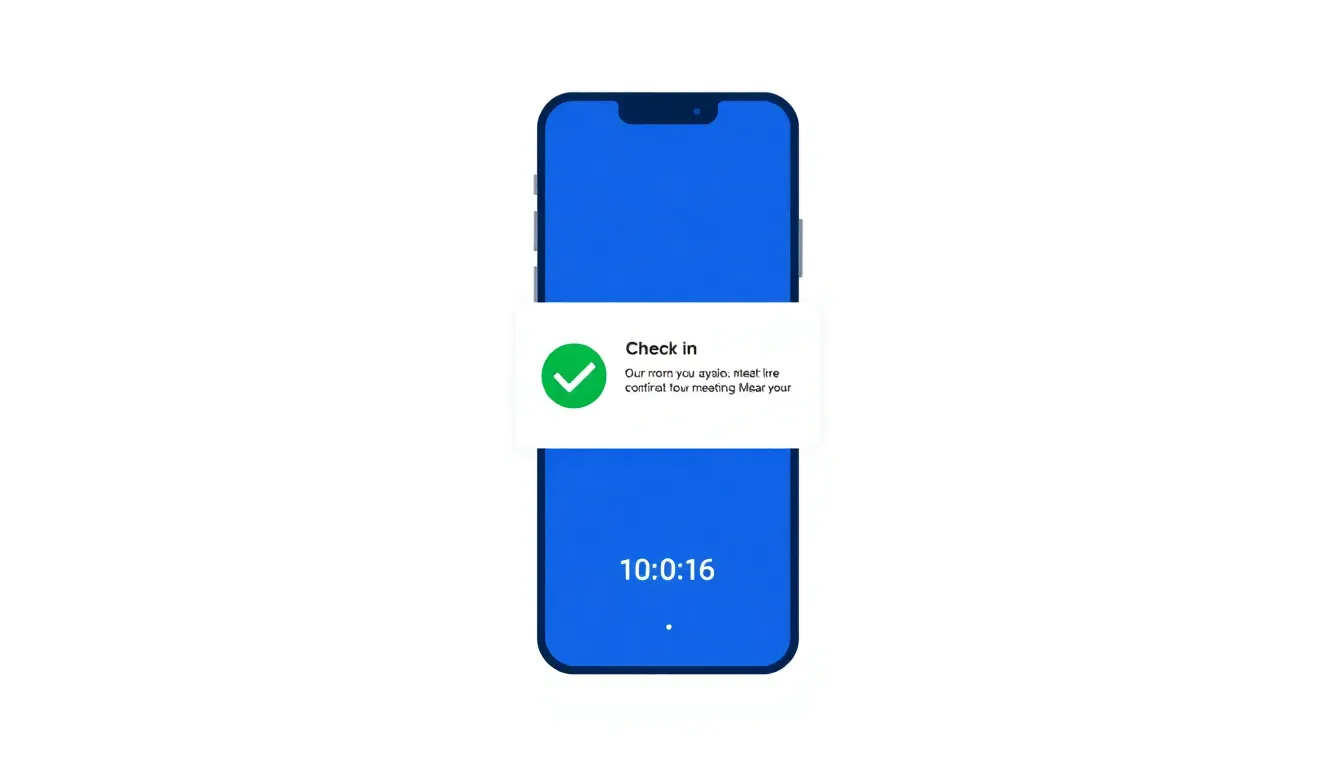
Key insight: Set your check-in window based on your culture. 10 minutes works for punctual teams. 15-20 minutes gives more buffer. Too long, though, and you lose the benefit.
Strategy 2: Send Smart Reminders (Not Spam)
Reminders work—but only if they’re useful. Flooding people with notifications trains them to ignore everything.
What actually helps:
Confirmation requests, not just reminders. Instead of “Your meeting starts in 30 minutes,” try “Your meeting in Room B starts in 30 minutes. Still happening? Confirm or release.” This forces a decision.
Escalating urgency. A gentle nudge 30 minutes before. A direct question 10 minutes before. A final “releasing in 5 minutes” warning. Each message has a purpose.
Channel matching. Email reminders for meetings booked days ago. Push notifications for same-day bookings. Meet people where they’re actually looking.
One company I worked with reduced no-shows by 22% just by switching from passive reminders to active confirmation requests. Same number of messages. Completely different framing.
Strategy 3: Make Canceling Effortless
If canceling a room is annoying, people won’t do it. Make it trivial.
One-click release. Every reminder should include a “Release this room” button that works instantly. No login required. No confirmation dialogs. One tap, done.
Calendar integration. If someone deletes or declines a meeting in Google Calendar or Outlook, the room should release automatically. No separate action needed.
No judgment. Some systems flag frequent cancelers or send “you canceled again” messages. This backfires. You want people to cancel freely. Shaming them ensures they’ll just ignore bookings instead.
The goal is removing every possible barrier between “I don’t need this room” and “the room is free.”
Strategy 4: Right-Size Your Booking Windows
Most rooms are booked in 30-minute or 1-hour blocks. Most meetings don’t actually need that time.
Consider shorter default slots. If your system defaults to 1 hour, try 45 minutes. Many meetings expand to fill available time. Shorter defaults create natural efficiency.
Enable back-to-back booking. Build in 5-minute buffers automatically. This prevents the “I need 10 minutes to set up” problem that causes late starts and cascading delays.
Track actual usage vs. booked time. If your data shows most 1-hour meetings end at 40 minutes, you have an opportunity. Either shorten defaults or educate bookers.
One tech company found that switching from 60-minute to 45-minute defaults reduced no-shows by 15%—because people were booking time they actually intended to use.
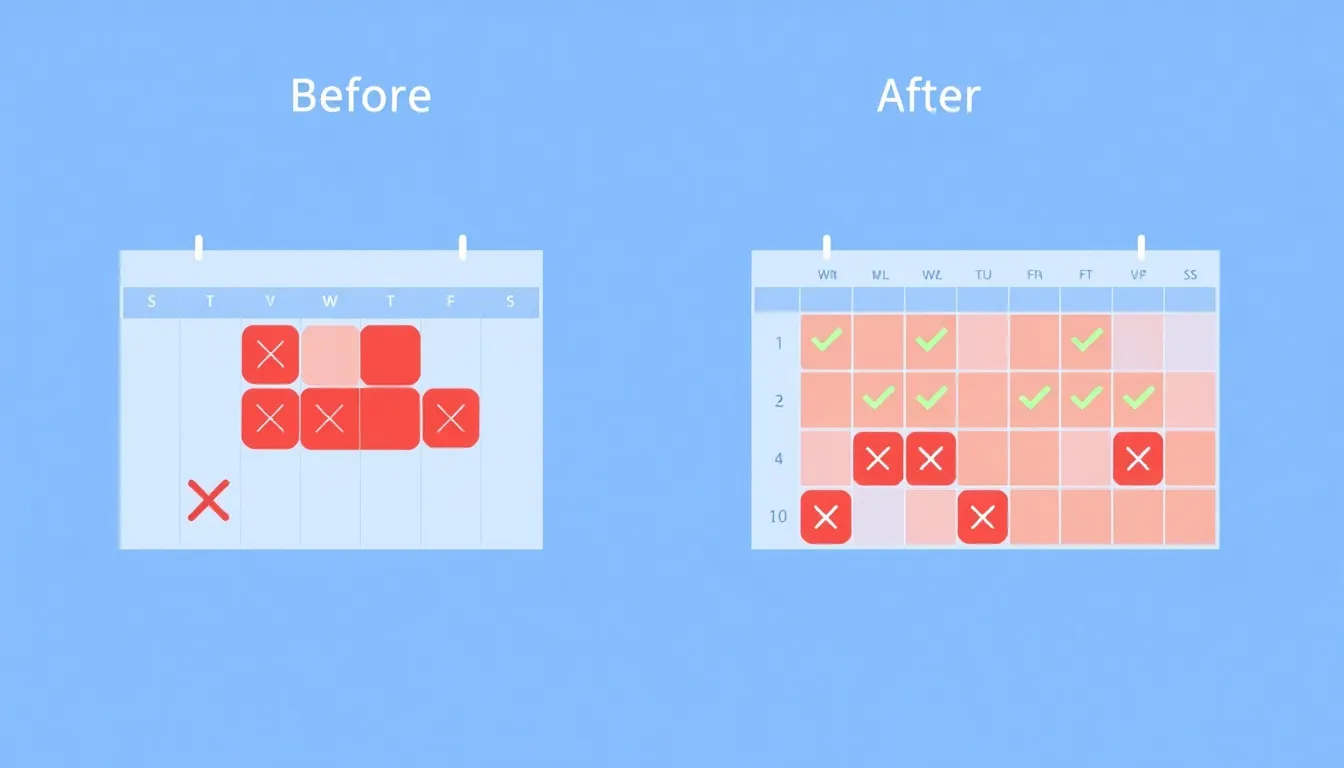
Strategy 5: Create Visibility and Gentle Accountability
No-shows thrive in obscurity. When booking is anonymous and consequence-free, there’s no reason to change behavior.
Display real-time status. When people can see which rooms are actually occupied vs. just booked, they start to notice patterns. “Wait, that room is always ‘booked’ but empty” becomes a conversation.
Share team-level metrics. Not to shame individuals, but to create awareness. “Our team had 34% no-show rate last month” is information that drives change.
Celebrate improvements. When no-show rates drop, acknowledge it. “We recovered 12 hours of meeting room time this week” makes the abstract concrete.
The goal isn’t surveillance. It’s making the invisible visible so people can self-correct.
What Results Should You Expect?
Based on companies that implement these strategies:
| Approach | Typical Impact | Time to See Results |
|---|---|---|
| Auto-release alone | 25-30% reduction | 1-2 weeks |
| Smart reminders | 15-20% reduction | 2-3 weeks |
| Easy cancellation | 10-15% reduction | Immediate |
| Shorter defaults | 10-15% reduction | 2-4 weeks |
| Visibility/metrics | 5-10% reduction | 4-6 weeks |
| Combined approach | 35-45% reduction | 4-6 weeks |
These stack. A company doing nothing will see the biggest jump from auto-release. Add smart reminders and easy cancellation, and you’re looking at 35-40% improvement within a month.
For a more detailed reduce meeting room no-shows, we’ve analyzed which tools handle no-shows best.
Quick Implementation Checklist
Ready to start? Here’s the priority order:
- Enable automatic room release (if your system supports it)
- Add one-click cancellation to all booking confirmations
- Switch reminders from passive to active (request confirmation, not just inform)
- Sync with your calendar system so deletions auto-release rooms
- Review your default booking duration and consider shortening it
- Set up basic utilization tracking to measure progress
Most of these take hours, not days. The hardest part isn’t implementation—it’s deciding to prioritize it.
FAQ
How do I convince leadership this matters?
Math. If you have 10 meeting rooms and a 35% no-show rate, you’re effectively operating with only 6.5 rooms. Either you solve no-shows, or you need to build/rent more space. One costs money. The other costs attention.
Won’t auto-release frustrate people who are just running late?
Set appropriate check-in windows. 15 minutes handles most legitimate delays. And the person who’s 20 minutes late was probably going to be a no-show anyway.
What if people game the system by checking in then leaving?
It happens occasionally. But it’s rare—most people don’t actively scheme to waste rooms. If it becomes a pattern, visibility and team metrics usually self-correct it.
The Bottom Line
No-shows aren’t a people problem. They’re a system problem. Fix the system—make check-in automatic, cancellation effortless, and consequences visible—and the people follow.
The 40% of wasted room time in most offices isn’t inevitable. It’s just what happens when booking is easy and everything else is hard. Flip that equation, and you’ll wonder why you waited so long.
For a reduce meeting room no-shows, including setup and best practices, we’ve got you covered.
Ready to eliminate no-shows?
SpotBooker’s automatic check-in releases unused rooms after 15 minutes—no action required from your team. See how much space you’re actually losing with a free trial.