

You’ve booked the meeting room. You’ve sent the invites. But when meeting time comes, three things can happen: you show up, someone else has taken “your” room, or the room sits empty because you got pulled into something else.
QR code check-in solves the last two problems. It’s the difference between “theoretically booked” and “actually being used.”
Here’s how it works, why it matters, and how to implement it without overcomplicating things.
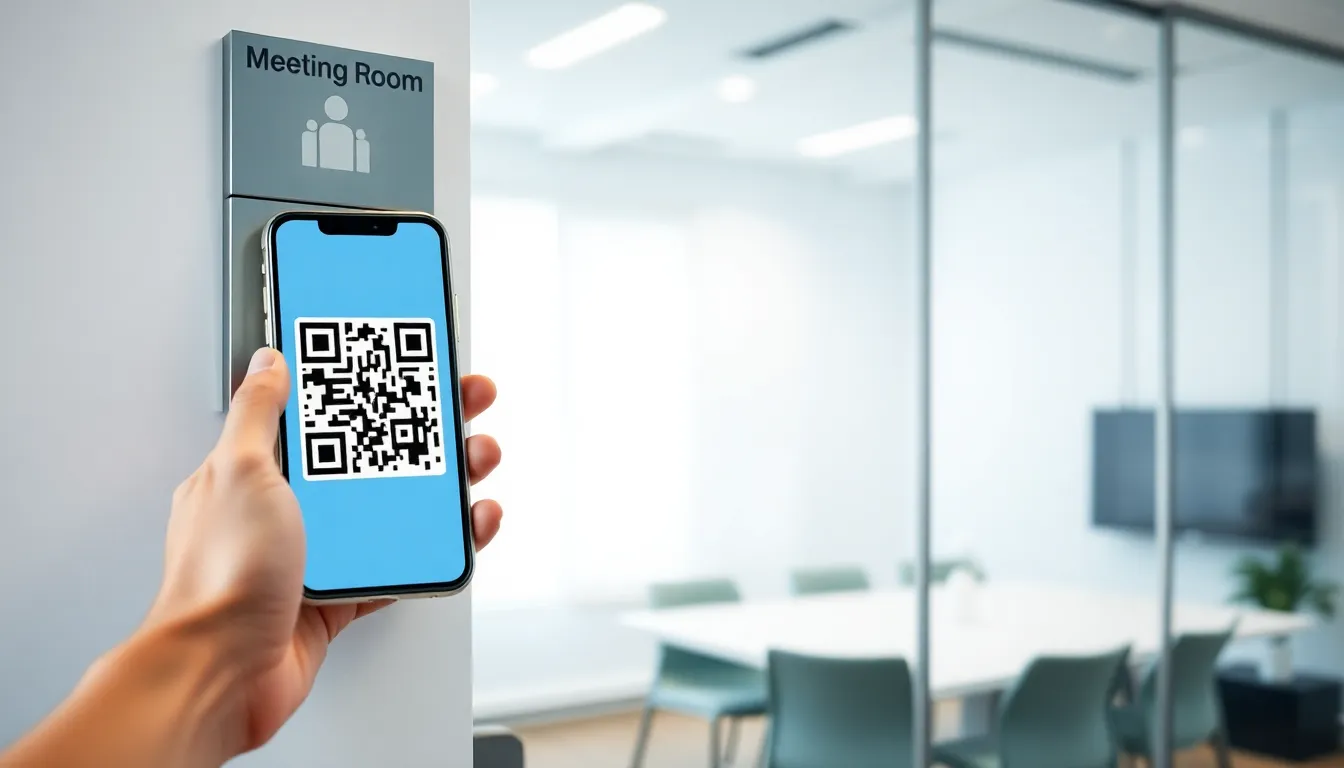
The Problem QR Check-In Solves
Meeting rooms have a ghost problem. Studies consistently show that 30-40% of booked meeting rooms go unused. People book “just in case,” meetings get cancelled without updating the calendar, or attendees simply forget.
The result: rooms appear occupied in the system while sitting physically empty. Meanwhile, teams wander the office looking for available space, or worse, interrupt meetings to ask “are you actually using this?”
Traditional booking systems can’t distinguish between “booked” and “actually occupied.” QR check-in creates that distinction.
How QR Code Check-In Works
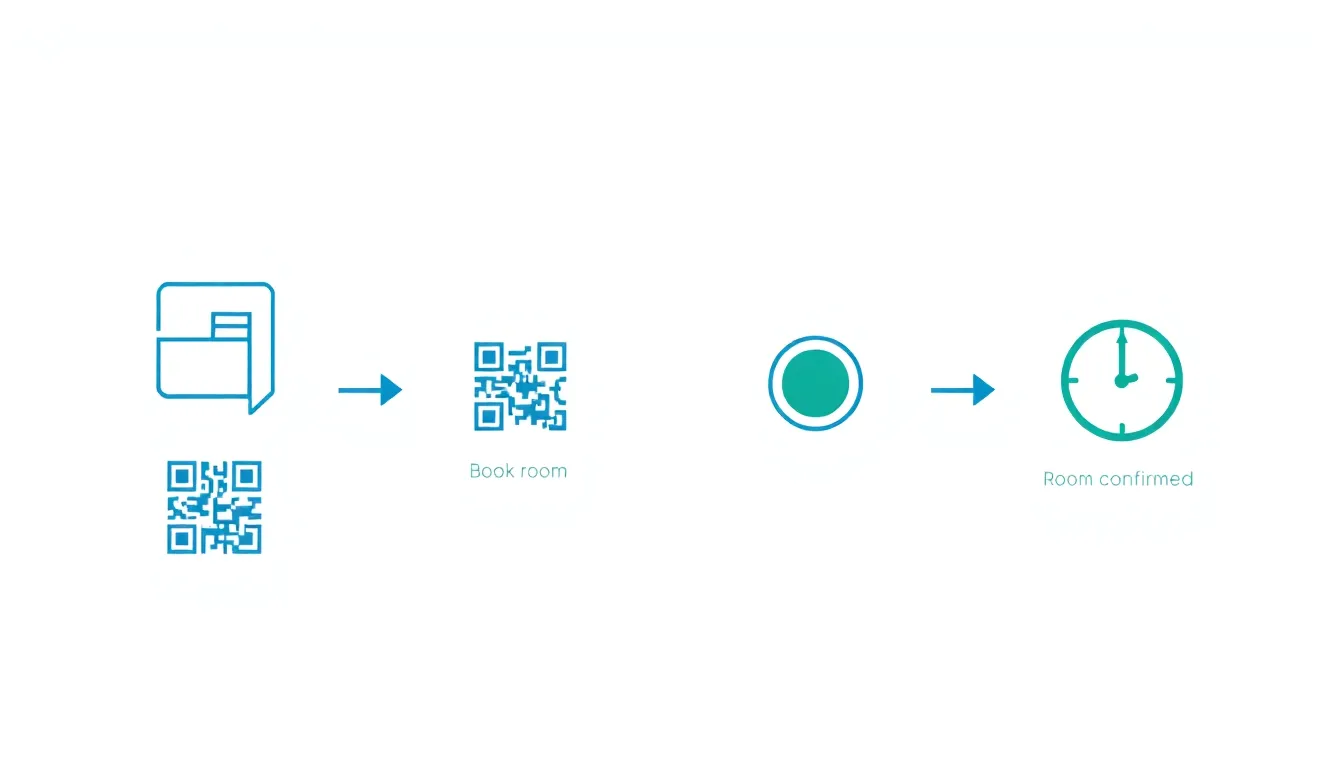
The flow is straightforward:
Step 1: Book the Room
Someone reserves the room through your booking system—calendar invite, mobile app, or web interface. Nothing changes here.
Step 2: Arrive and Scan
When the meeting organizer arrives, they scan a QR code posted at the room entrance. This takes about 3 seconds with any smartphone camera.
Step 3: Room Confirmed
The scan confirms presence. The room status changes from “booked” to “occupied” in the system. The reservation is locked in.
Step 4: Auto-Release if No Scan
Here’s where the magic happens. If no one scans within a grace period (typically 10-15 minutes after the booking start time), the system automatically releases the room back to available status.
That “just in case” booking that never materialized? Gone. Available for someone who actually needs it.
Why This Works Better Than Alternatives
You might think: why not just trust people to cancel bookings they don’t need? Or use occupancy sensors? Or room displays with manual check-in buttons?
Each alternative has problems:
Trusting manual cancellation requires people to remember, care, and take action. They usually don’t. The booking stays, the room sits empty.
Occupancy sensors are expensive ($200-500 per room), require installation, and can give false readings (someone walking past, bags left in an empty room).
Manual check-in buttons on room displays add hardware cost and create friction. People skip them.
QR codes work because:
- Zero hardware cost. Print a QR code, stick it on the door. Done.
- Everyone has a scanner. Every smartphone camera works.
- 3-second interaction. Faster than pressing a button, less friction than opening an app.
- Passive enforcement. The system releases rooms automatically—no human discipline required.
The Impact: Real Numbers
When implemented properly, QR check-in delivers measurable results:
30-40% reduction in no-shows. Rooms that would have sat empty get released and rebooked. This is the headline number, and it’s consistent across deployments.
15-25% improvement in actual utilization. More rooms available means more rooms used. Teams stop hoarding “backup” bookings when they know unused rooms will be released.
Near-zero “room hunting” time. When the system accurately reflects reality, people trust it. No more walking floor-to-floor checking if rooms are actually empty.
Better data for space planning. You finally know which rooms are actually used versus just booked. This matters when deciding whether to add or remove meeting spaces.
For a deeper look at no-show reduction strategies, see our guide on how to reduce meeting room no-shows.
Implementation: What You Actually Need
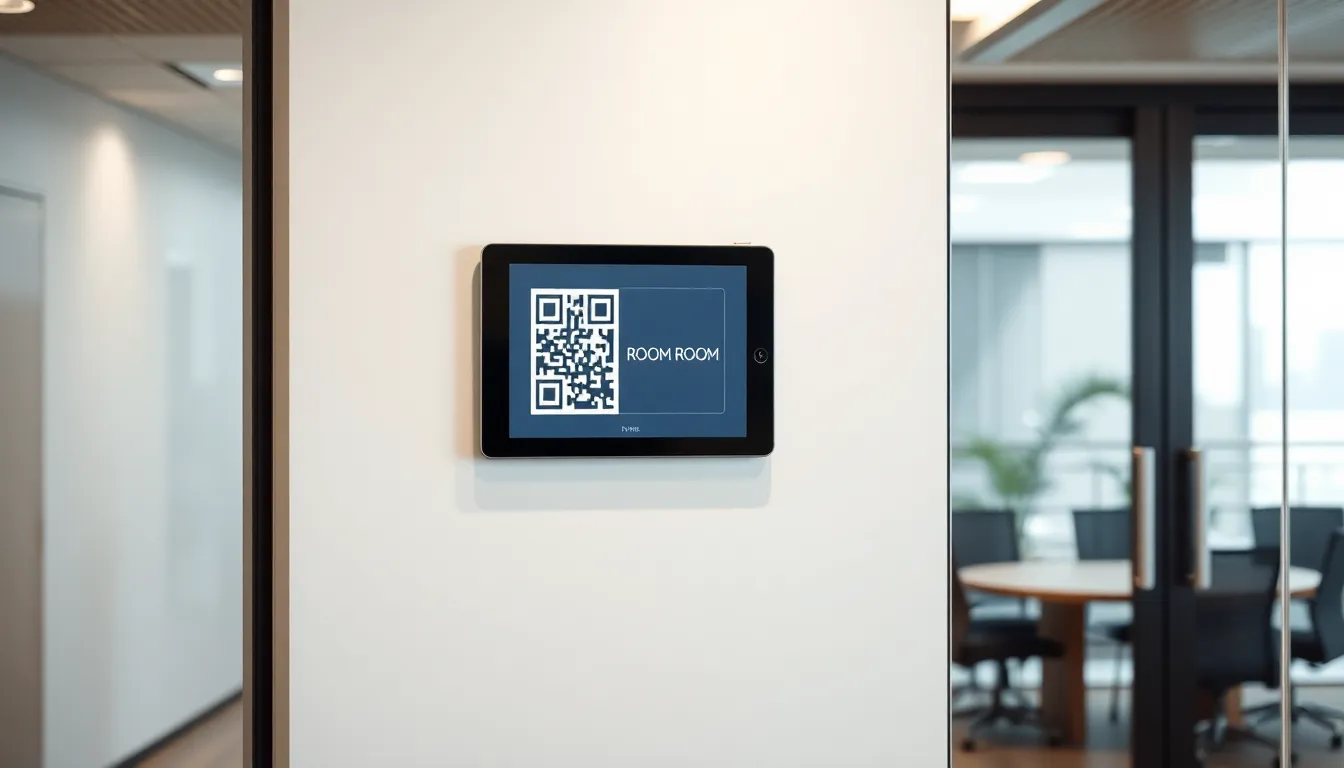
Getting QR check-in working is simpler than most vendors make it sound.
Required Components
Booking software with check-in support. Not all platforms offer this. Look for “auto-release” or “automatic room release” features. The reduce meeting room no-shows that support QR check-in include SpotBooker, Robin, Skedda, and others.
QR codes for each room. Your booking software generates these. They’re unique per room and typically link to a check-in confirmation page.
Signage. Print the QR codes and mount them at room entrances. Laminated prints work fine. Fancy digital displays are optional.
Configuration Decisions
Grace period length. How long after booking start time before auto-release? 10-15 minutes is standard. Shorter feels punitive; longer defeats the purpose.
Notification timing. When does the booker get reminded to check in? Most systems send a reminder 5-10 minutes before start time.
Check-in window. Can people check in early? Usually yes—15-30 minutes before the booking starts prevents the “I’m here but can’t check in yet” problem.
Who can check in? Just the organizer? Any meeting attendee? This depends on your culture and booking software capabilities.
Rollout Steps
- Enable the feature in your booking software settings.
- Generate QR codes for each room (usually one click per room).
- Print and post QR codes at room entrances.
- Communicate the change to your team. Keep it simple: “Scan to confirm your room. If you don’t scan within 15 minutes, the room becomes available for others.”
- Monitor for 2-4 weeks. Expect some adjustment period as habits form.
Consider establishing good reduce meeting room no-shows before rollout—clear room identification makes the whole system work better.
Common Concerns (And Why They’re Usually Overblown)
“People will resist this.”
Some will complain initially. But the people most annoyed by QR check-in are usually the ones booking rooms they don’t use—which is exactly the behavior you want to change.
After 2-3 weeks, it becomes habit. The complaints stop.
”What if someone’s phone dies?”
Most systems allow alternative check-in methods: email link, web browser, or manual override by an admin. This edge case happens rarely enough that exceptions can be handled manually.
”What about back-to-back meetings?”
If Meeting A ends at 10:00 and Meeting B starts at 10:00, does Meeting B need to check in again? Depends on configuration. Some systems auto-extend if the same person has consecutive bookings. Others require fresh check-in. Both work—just be consistent.
”This seems like micromanagement.”
It’s not tracking who’s in meetings—it’s confirming that booked resources are actually being used. The data is about rooms, not people. And the benefit (available rooms when you need them) outweighs the 3-second scan.
QR Check-In vs. Other Technologies
| Method | Cost | Accuracy | Friction | Best For |
|---|---|---|---|---|
| QR Code Scan | Free | High | Low (3 sec) | Most offices |
| Room Display Button | $300-600/room | Medium | Low | Offices wanting visible status |
| Occupancy Sensors | $200-500/room | Medium | None | Large enterprise with budget |
| NFC Tap | $20-50/room | High | Low | Tech-forward offices |
| Manual Cancellation | Free | Low | High | Small teams with discipline |
For most organizations, QR codes hit the sweet spot: zero hardware cost, high accuracy, minimal friction.
Security Considerations
QR codes for room check-in should be:
Room-specific. Each room has its own code. Scanning Room A’s code doesn’t check you into Room B.
Authenticated. The scan should verify that the person scanning has a valid booking for that room at that time. Random scans shouldn’t work.
Rate-limited. Good systems prevent brute-force scanning attempts (SpotBooker limits to 10 attempts per minute per room, for example).
Non-sensitive. The QR code itself doesn’t contain booking details—it’s just a link to the check-in system, which then verifies credentials.
Getting Started
If your current booking system supports QR check-in, enabling it typically takes under an hour:
- Find the check-in settings in your admin panel
- Set grace period (start with 15 minutes)
- Generate and print QR codes for each room
- Send a brief announcement to your team
- Monitor and adjust
If your system doesn’t support this, it might be time to evaluate alternatives. The impact on room utilization is significant enough to justify switching.
FAQ
Do I need special QR codes or will any work?
Your booking software generates the codes. They’re standard QR codes but contain room-specific URLs that trigger the check-in process. You can’t use generic QR codes.
Can I use this for desk booking too?
Yes, the same principle applies. Some systems support QR check-in for both rooms and desks. The implementation is identical.
What happens to recurring meetings?
Each instance requires check-in. If you have a weekly Monday 10am meeting, you need to scan each Monday. This is intentional—it catches the weeks when the meeting doesn’t actually happen.
How do I handle visitors who don’t have the app?
Options include: the meeting host checks in for the group, a web-based check-in that doesn’t require an app, or manual override by admin for visitor-booked rooms.
The Bottom Line
QR code check-in is one of those rare solutions that’s both simple to implement and genuinely impactful. Zero hardware cost, 3-second user interaction, and 30-40% improvement in room availability.
The technology isn’t new or complicated. The barrier is usually just deciding to do it.
Ready to stop losing rooms to no-shows?
SpotBooker includes QR check-in with automatic 15-minute release—no extra hardware needed. See how much room time you can recover.