
Introduction
Meeting room equipment is pivotal in the modern workplace, serving as the cornerstone for collaboration, innovation, and decision-making. As businesses evolve, so does the technology that enhances these essential spaces. Equipping your meeting room with the right tools can transform it into a dynamic environment that boosts productivity and improves communication among team members.
Consider the essentials:
- High-quality audio and visual equipment to ensure clear communication
- Seamless connectivity solutions for hassle-free presentations
- Interactive tools that facilitate idea sharing and brainstorming
1. Advanced Video Conferencing Systems
Modern video conferencing goes beyond basic webcams and microphones:
- 4K cameras with AI tracking that follow speakers automatically
- Spatial audio systems that create a natural meeting experience
- Integrated solutions from providers like Zoom, Teams, and Google Meet
- One-touch join functionality for seamless meeting starts
2. Interactive Display Technology
Smart displays and interactive whiteboards have transformed collaboration:
- Touch-enabled large displays for interactive presentations
- Digital whiteboarding for real-time brainstorming
- Screen mirroring from any device without cables
- Cloud sync to save and share meeting notes instantly
3. Audio Enhancement Solutions
Crystal-clear audio is non-negotiable:
- Ceiling microphone arrays for full-room coverage
- Beamforming technology that focuses on active speakers
- Echo cancellation for noise-free conversations
- Dedicated speakers optimized for speech clarity
4. Room Scheduling and Panels
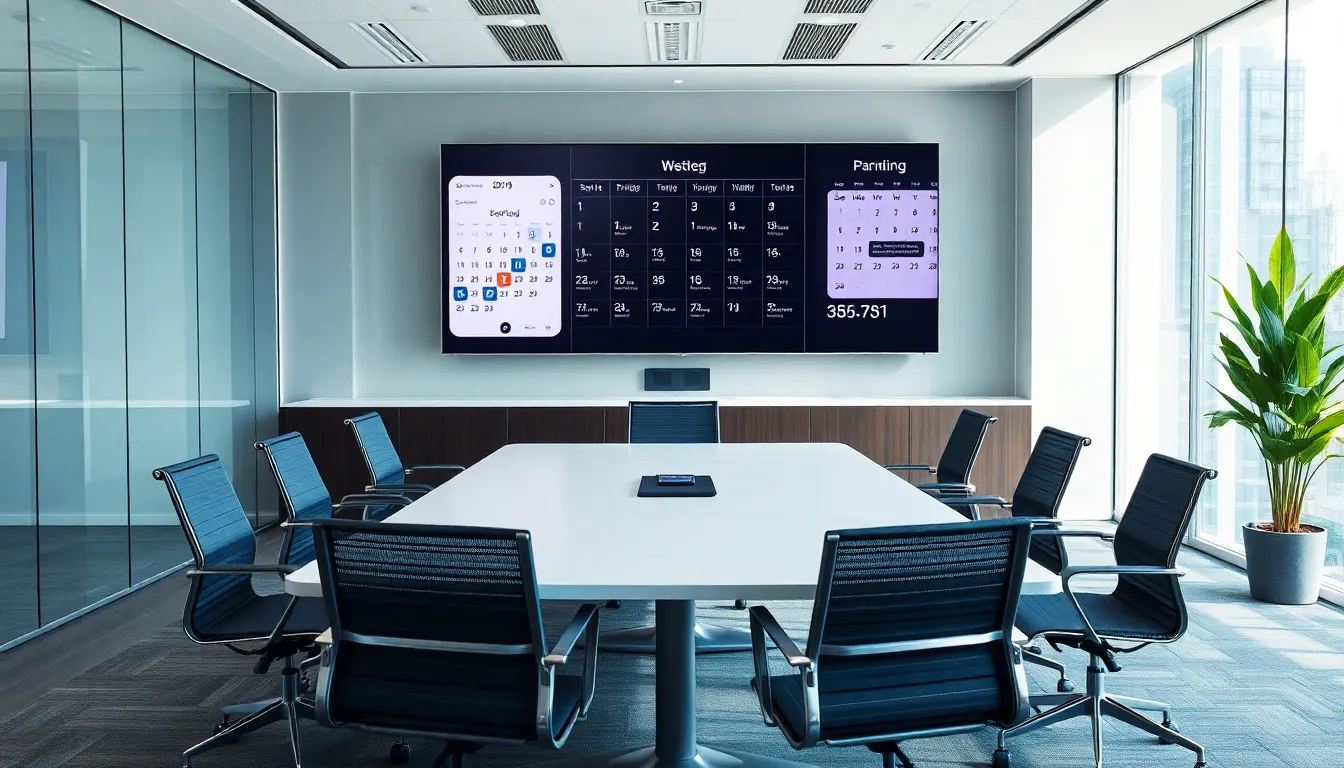
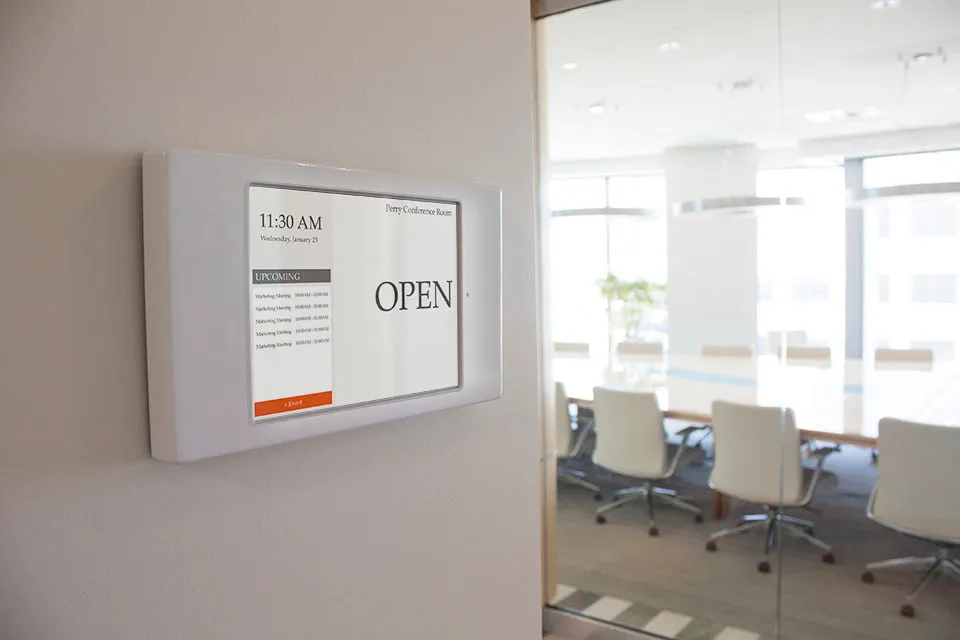
Smart scheduling streamlines room management:
- Digital door panels showing real-time availability
- Integration with calendar apps for automatic updates
- Check-in features that release unused bookings
- Wayfinding capabilities to help locate available rooms
5. Wireless Presentation Systems
Eliminate cable clutter and connection issues:
- BYOD compatibility for any laptop or mobile device
- Multi-screen sharing for collaborative presentations
- Low latency streaming for smooth video playback
- Security features to prevent unauthorized connections
6. Environmental Controls
Smart environmental management enhances comfort:
- Automated lighting that adjusts based on presentation mode
- Climate control integration for optimal temperature
- Occupancy sensors for energy efficiency
- Acoustic treatment for sound management
Choosing the Right Equipment
Budget Considerations
- Start with essentials: video, audio, and display
- Scale up based on usage patterns and feedback
- Consider total cost of ownership including maintenance
Room Size Matters
- Small rooms (2-6): All-in-one solutions
- Medium rooms (6-12): Modular setups
- Large rooms (12+): Enterprise-grade systems
Integration Requirements
- Compatibility with existing IT infrastructure
- Support for multiple video conferencing platforms
- API access for custom integrations
Implementation Best Practices
- Assess Needs: Survey users about pain points and requirements
- Plan Infrastructure: Ensure adequate power, network, and mounting points
- Standardize: Use consistent equipment across rooms for familiarity
- Train Users: Provide clear instructions and support
- Monitor and Maintain: Regular updates and preventive maintenance
Conclusion
The right meeting room equipment can dramatically improve collaboration and productivity. By investing in quality video conferencing, interactive displays, audio systems, scheduling tools, wireless presentation, and environmental controls, you create spaces that empower teams to do their best work.