
Flex office isn’t just a pandemic hangover. It’s a fundamental rethinking of how workspace should function—and for many organizations, it’s delivering measurable results.
But “flex office” means different things to different people, and the benefits aren’t automatic. They require intentional design and the right tools to realize.
Here’s an honest look at what flex office actually delivers, what challenges you’ll face, and how to know if it’s right for your organization.
What Is Flex Office, Exactly?
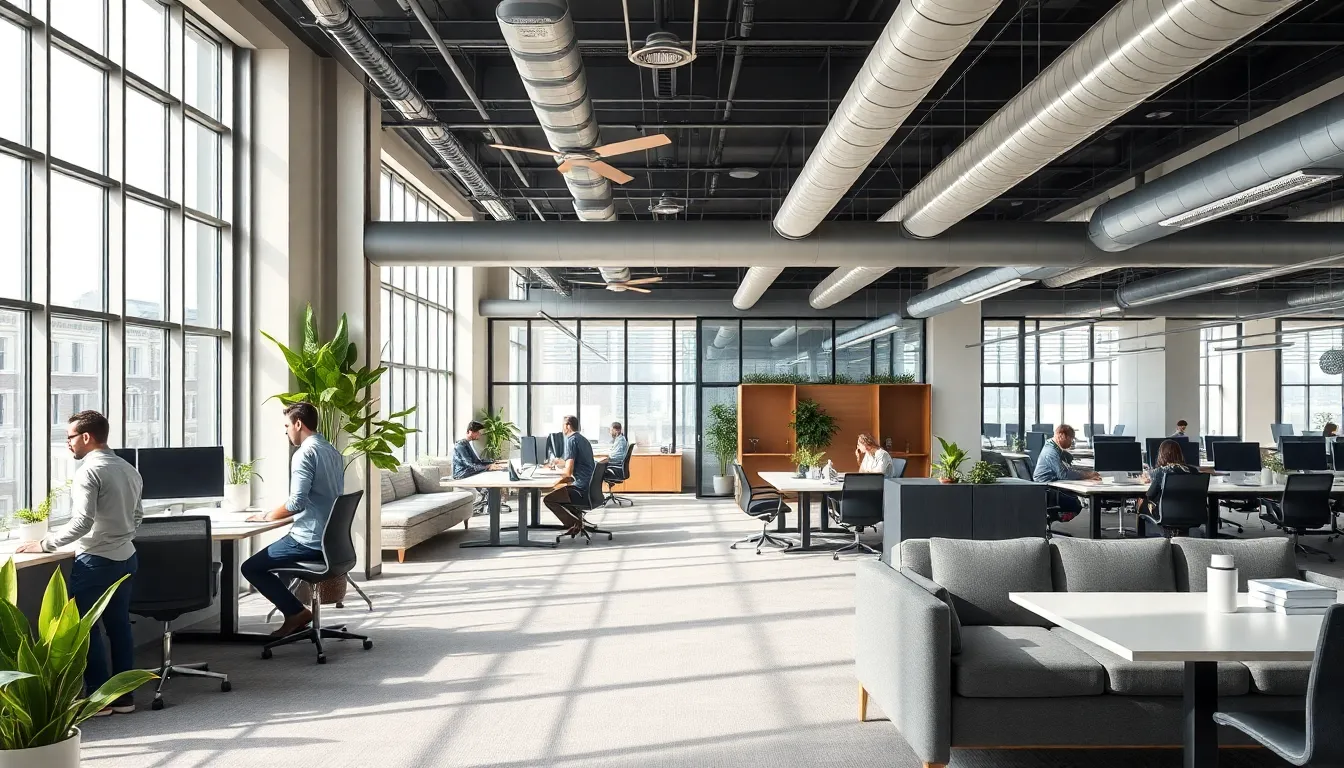
Flex office (also called flexible workspace or activity-based working) is a model where employees don’t have assigned desks. Instead, the office offers various work settings—quiet zones, collaboration areas, phone booths, reduce meeting room no-shows stations—and employees choose where to work based on their tasks that day.
It’s not the same as:
- Remote work: Employees still come to an office
- Hot desking alone: Flex office includes diverse space types, not just shared desks
- Hoteling: Similar concept, but flex office emphasizes variety of settings
The core principle: match the workspace to the work, not the other way around.
The Real Advantages
Financial Benefits

1. Reduced real estate costs (20-40% savings)
This is the headline number that gets CFOs interested. If your office has 100 desks but only 60 people come in on any given day, you’re paying for 40 empty desks. Flex office right-sizes your footprint.
A company with 200 employees might move from 200 assigned desks to 120 flex stations—same productivity, 40% less space. At $50-100 per square foot annually, the savings compound fast.
2. Lower furniture and equipment costs
Fewer desks means fewer monitors, chairs, and peripherals. More importantly, you invest in quality shared equipment rather than mediocre individual setups. One excellent monitor at each station beats 200 cheap ones gathering dust.
3. Optimized utility costs
Smaller footprint = lower electricity, heating, cooling, and cleaning costs. Some organizations report 15-25% reduction in operational expenses.
4. Flexible scaling
Hiring 20 new people? In a traditional office, you need 20 new desks, chairs, and possibly new floor space. In flex office, you might need zero additional furniture—just adjust your desk-to-employee ratio. Downsizing works the same way, without rows of empty desks signaling trouble.
Employee Experience Benefits

5. Autonomy and choice
Employees choose their environment based on what they need to accomplish. Deep focus work? Quiet zone. Collaborative project? Team area. Quick calls? Phone booth. This autonomy consistently correlates with higher job satisfaction in workplace studies.
6. Variety reduces monotony
Sitting in the same spot, looking at the same wall, for years—it wears on people. Flex office introduces natural variety. Different views, different neighbors, different energy depending on the day and task.
7. Better work-life integration
Flex office often pairs with flexible scheduling. Come in early, leave early. Work from home Tuesday, collaborate in-office Wednesday. The physical flexibility supports temporal flexibility.
8. Improved collaboration opportunities
Assigned seating creates silos. Marketing sits with marketing, engineering with engineering. Flex seating naturally mixes departments, creating serendipitous interactions that fixed seating prevents.
9. Reduced commute stress (when combined with hybrid)
If employees don’t need to be in a specific seat, they don’t need to be in the office every day. Most flex office implementations include hybrid policies, reducing commute frequency and the stress that comes with it.
Organizational Benefits
10. Better space utilization data
When you implement flex office properly (with reduce meeting room no-shows or reduce meeting room no-shows), you get actual usage data. Which zones are popular? Which are empty? This data drives smarter space investments.
11. Easier facilities management
Standardized workstations are easier to clean, maintain, and upgrade than personalized desks covered in family photos and accumulated stuff. IT support becomes simpler when equipment is consistent.
12. Future-proofing
Nobody knows exactly what work will look like in five years. Flex office builds adaptability into your real estate strategy. You can adjust ratios, reconfigure zones, and respond to changing needs without major renovations.
The Real Challenges (And How to Address Them)
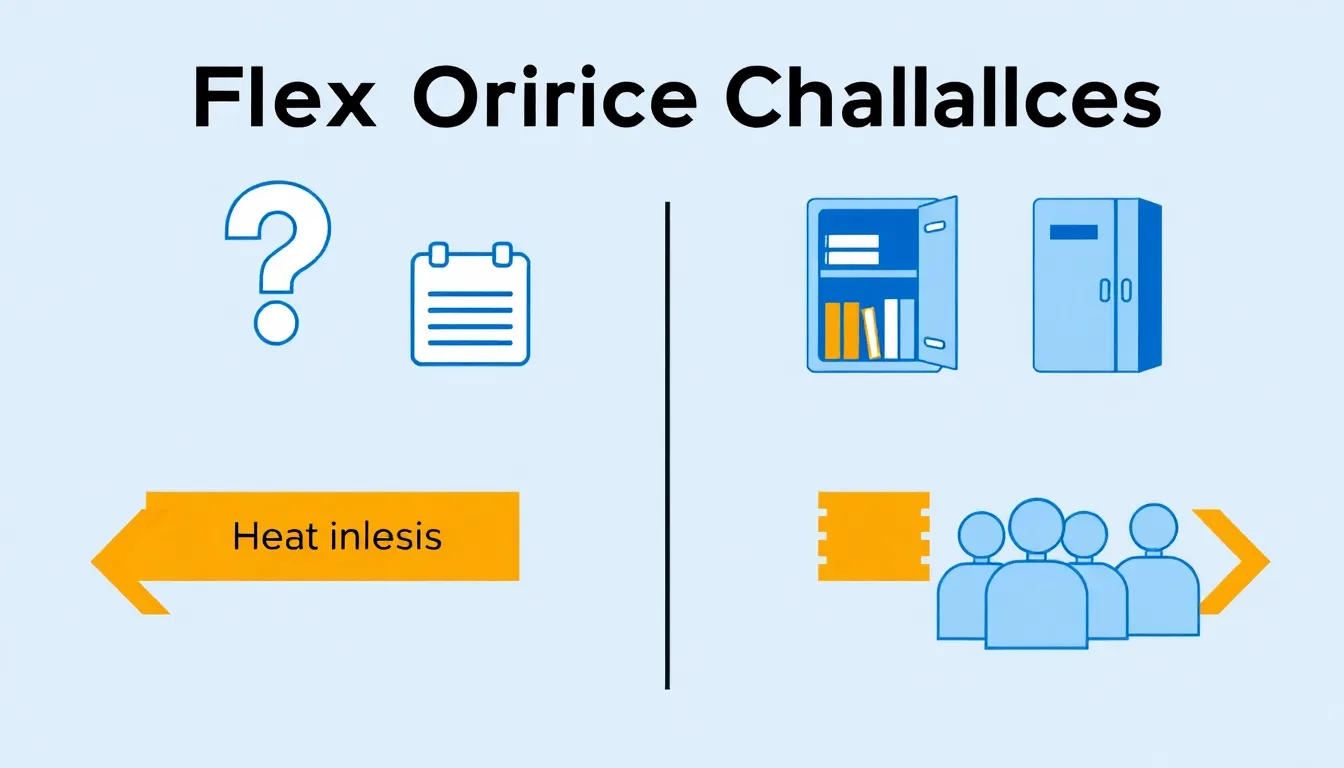
Flex office isn’t without friction. Here are the genuine challenges and practical solutions:
Challenge 1: “Where do I put my stuff?”
The problem: Employees accumulate things—photos, plants, notebooks, that special keyboard. Without assigned desks, where does it all go?
The solution: Personal lockers. Every employee gets a locker for belongings. Some organizations provide mobile pedestals (small rolling cabinets) that employees wheel to their chosen desk. The key is acknowledging the need and providing a real answer, not dismissing it.
Challenge 2: “I can never find my team”
The problem: When everyone sits somewhere different every day, spontaneous collaboration suffers. “Where’s Sarah?” becomes a constant question.
The solution: Team neighborhoods. Designate areas (not specific desks) for teams. Marketing knows their zone is the northeast corner, even if they sit in different spots within it. Combine this with presence indicators in your booking software showing who’s in the office and where.
Challenge 3: “All the good spots are taken”
The problem: Popular desks (window seats, quiet corners, near the coffee) get claimed early. Latecomers feel like second-class citizens.
The solution: Fair booking systems. Either first-come-first-served with check-in requirements (so abandoned bookings release) or rotating priority. Some organizations designate certain desks as non-bookable, available only for walk-ups. The goal is perceived fairness, not perfect optimization.
Challenge 4: “I miss having my own space”
The problem: Some people genuinely thrive with a consistent workspace. The daily decision of “where to sit” drains them rather than energizes them.
The solution: Acknowledge this is real. Consider hybrid approaches—some assigned desks for roles that need them (reception, certain executives, employees with specific accessibility needs), flex for everyone else. Or allow “soft assignments” where someone can book the same desk repeatedly if available.
Is Flex Office Right for Your Organization?
Flex office works well when:
-
Office attendance is variable. If 40-70% of employees are in on any given day, flex office captures significant savings. If everyone’s in every day, the math doesn’t work.
-
Work is diverse. Roles involving focus work, collaboration, calls, and meetings benefit from variety. If everyone does identical work all day, variety matters less.
-
Culture supports autonomy. Organizations with high trust and outcome-based management adapt well. Command-and-control cultures struggle.
-
You have (or will get) the right tools. Flex office without booking software creates chaos. You need systems for desk reservation, room booking, and ideally presence visibility.
Flex office works poorly when:
-
Everyone needs specialized equipment. If each employee requires three monitors, specific peripherals, or specialized setups, shared desks become impractical.
-
The office is already full every day. If you have 100 desks and 100 people show up daily, flex office doesn’t reduce costs—it just adds complexity.
-
Leadership isn’t committed. Half-hearted flex implementations fail. Executives need to participate, not claim permanent corner offices while everyone else flexes.
Implementation Essentials
If you decide to move forward, these elements are non-negotiable:
Technology
- Desk booking system that shows availability and allows reservations
- Room booking for meeting spaces
- Mobile access so employees can book and check in from their phones
- Usage analytics to track what’s working and what isn’t
Physical Infrastructure
- Variety of spaces: quiet zones, collaboration areas, phone booths, social spaces
- Consistent technology at each workstation (monitors, docking stations, power)
- Personal storage (lockers, mobile pedestals)
- Clear wayfinding so people can find zones and amenities
Policies
- Clear booking rules: How far in advance? How long can you hold a desk? What happens if you don’t show?
- Clean desk policy: What state should you leave a workspace in?
- Team coordination: How do teams ensure they can work together when needed?
Change Management
- Communicate the why: Cost savings alone won’t generate buy-in. Emphasize employee benefits.
- Pilot first: Test with one team or floor before company-wide rollout.
- Iterate based on feedback: The first version won’t be perfect. Plan to adjust.
The Bottom Line
Flex office isn’t a universal solution, but for the right organization, the advantages are substantial: 20-40% real estate savings, improved employee experience, better space utilization, and built-in adaptability.
The challenges are real but solvable with intentional design and proper tools. The organizations that struggle are usually those that implemented flex office as a cost-cutting measure without addressing the human factors.
Done well, flex office gives employees more choice and organizations more efficiency. Done poorly, it’s just musical chairs with extra steps.
The difference is in the execution.
Ready to implement flex office the right way?
SpotBooker makes flex office work with desk booking, room reservation, and real-time availability—all in one platform. See how organizations manage flexible workspaces without the chaos.